
Externa
Open-source CMS for structured content and files
Admin UI, Public API, permissions, optional in-app AI: self-hosted.
Built on Laravel and tools you already know
 Laravel
 Herd
 PHP
 Postgres
 MySQL
 Redis
 Docker
 React
 Inertia
 Vite
 Tailwind CSS
Externa
One admin for content, files, access, and ops.
Dashboard insights, collection packs, a file tree, activity logs, and health tabs: the same UI your operators use every day.
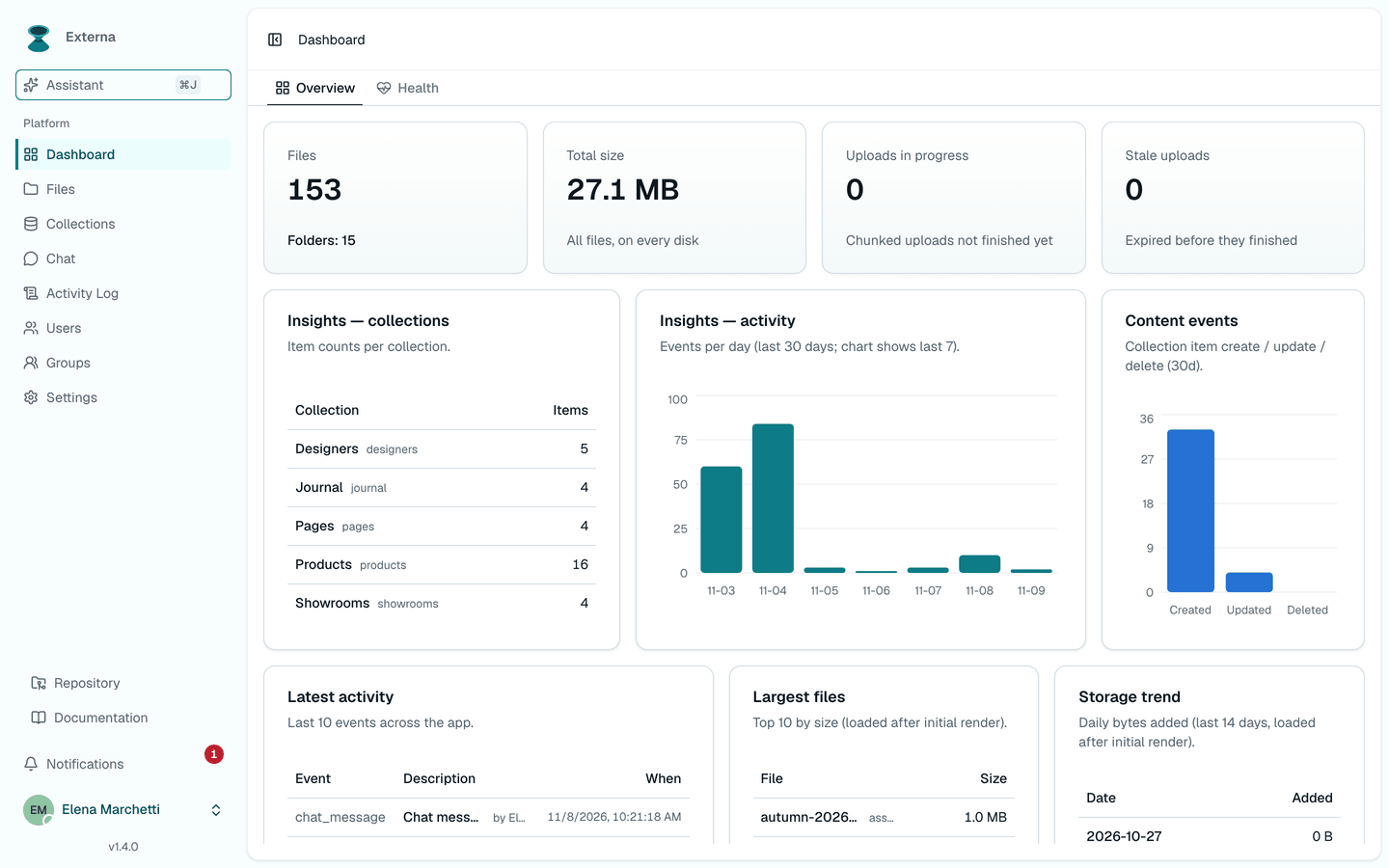
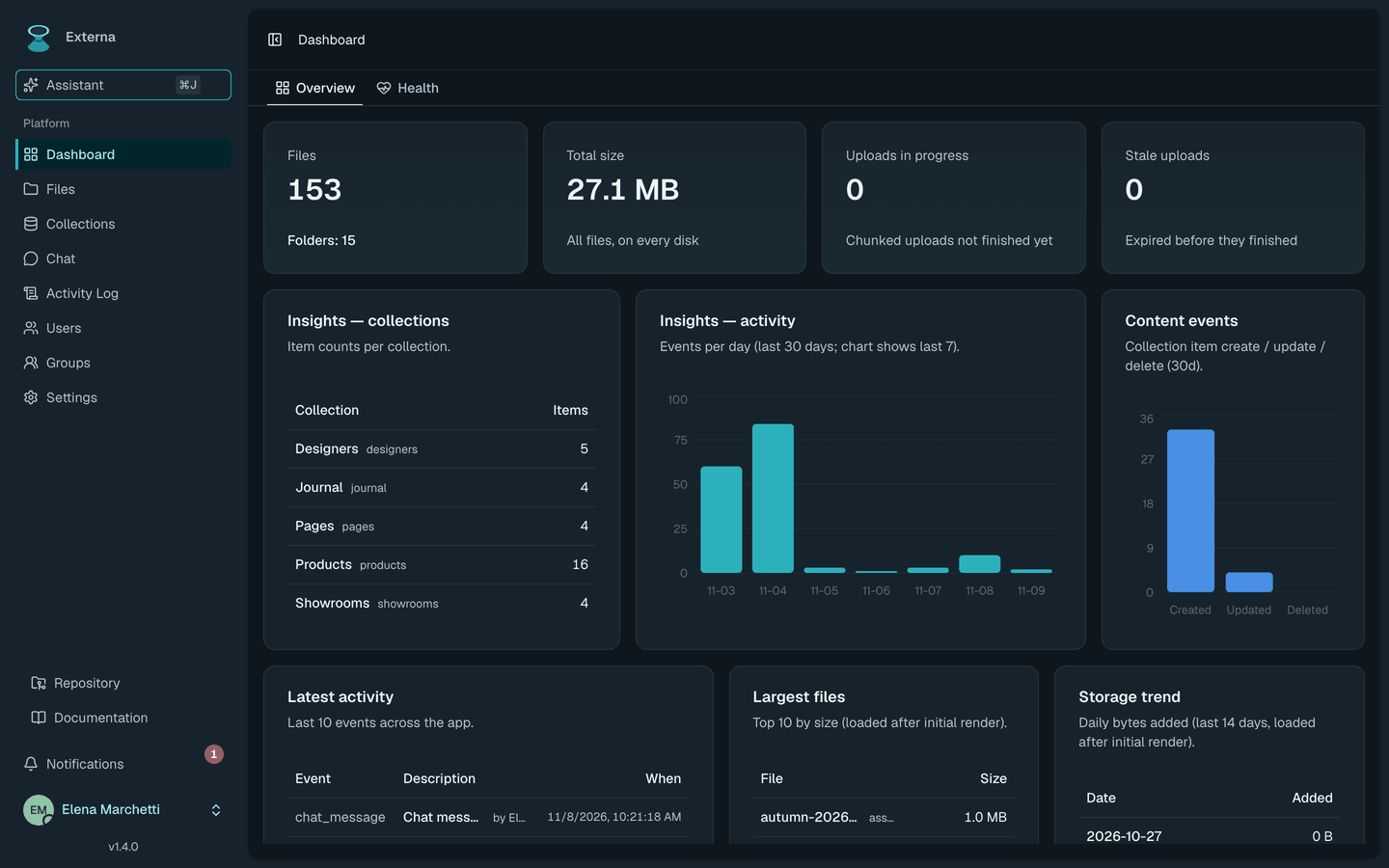
Platform
Everything operators need, without filing a ticket.
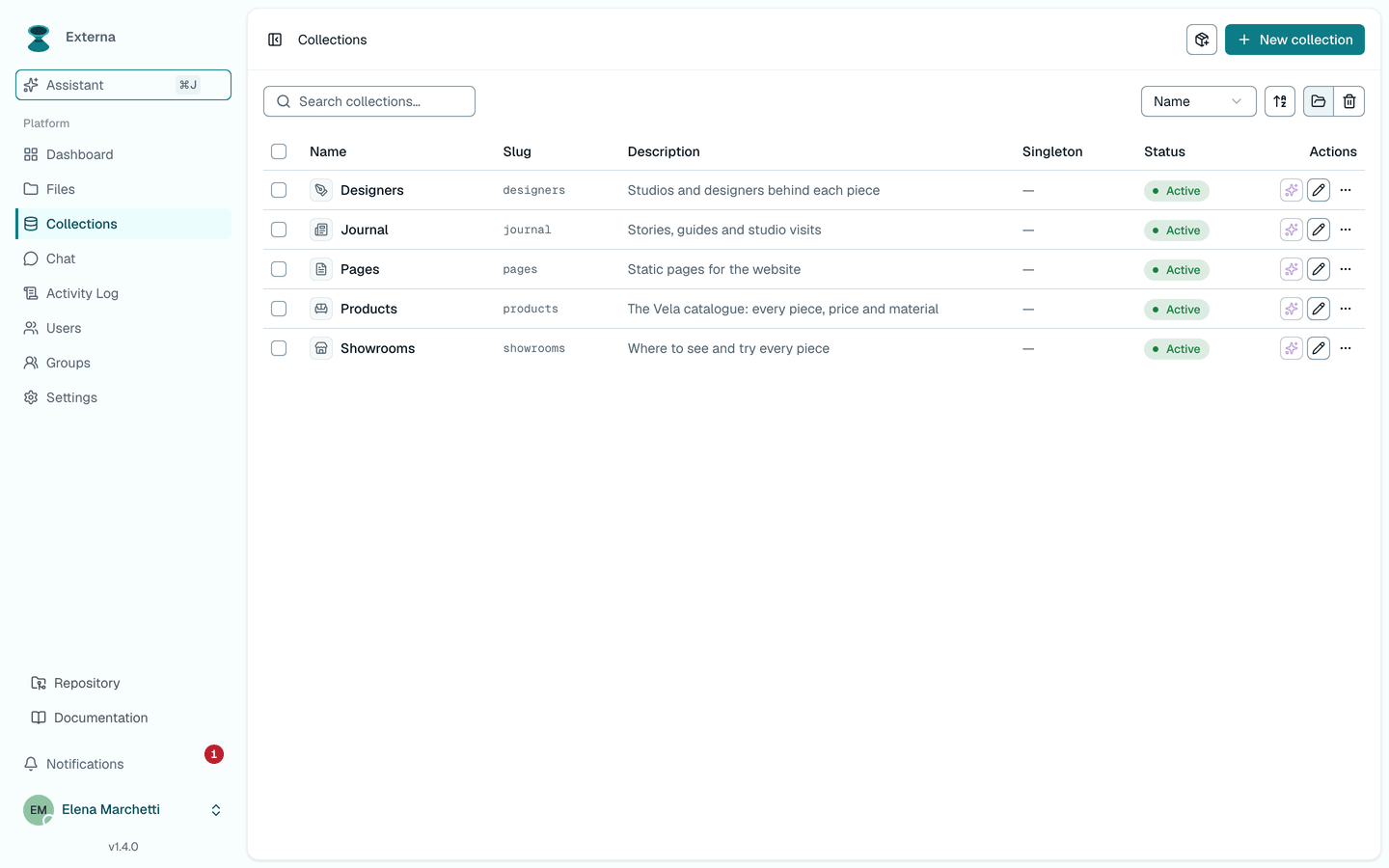
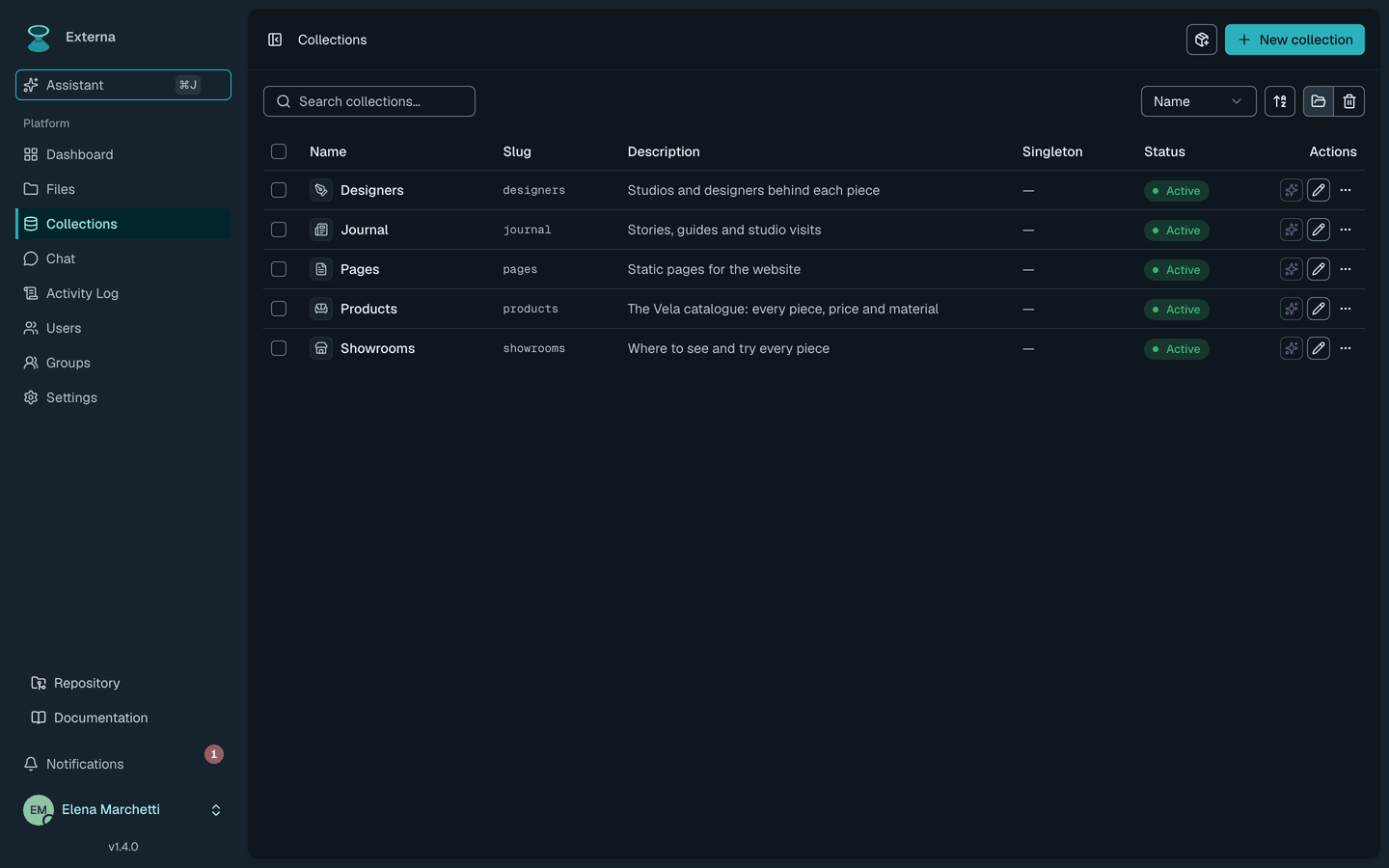
Collections
Model content your way
Define collections and typed fields, create items with locales, or bootstrap from packs (Articles, Products, Pages, SEO, and more).
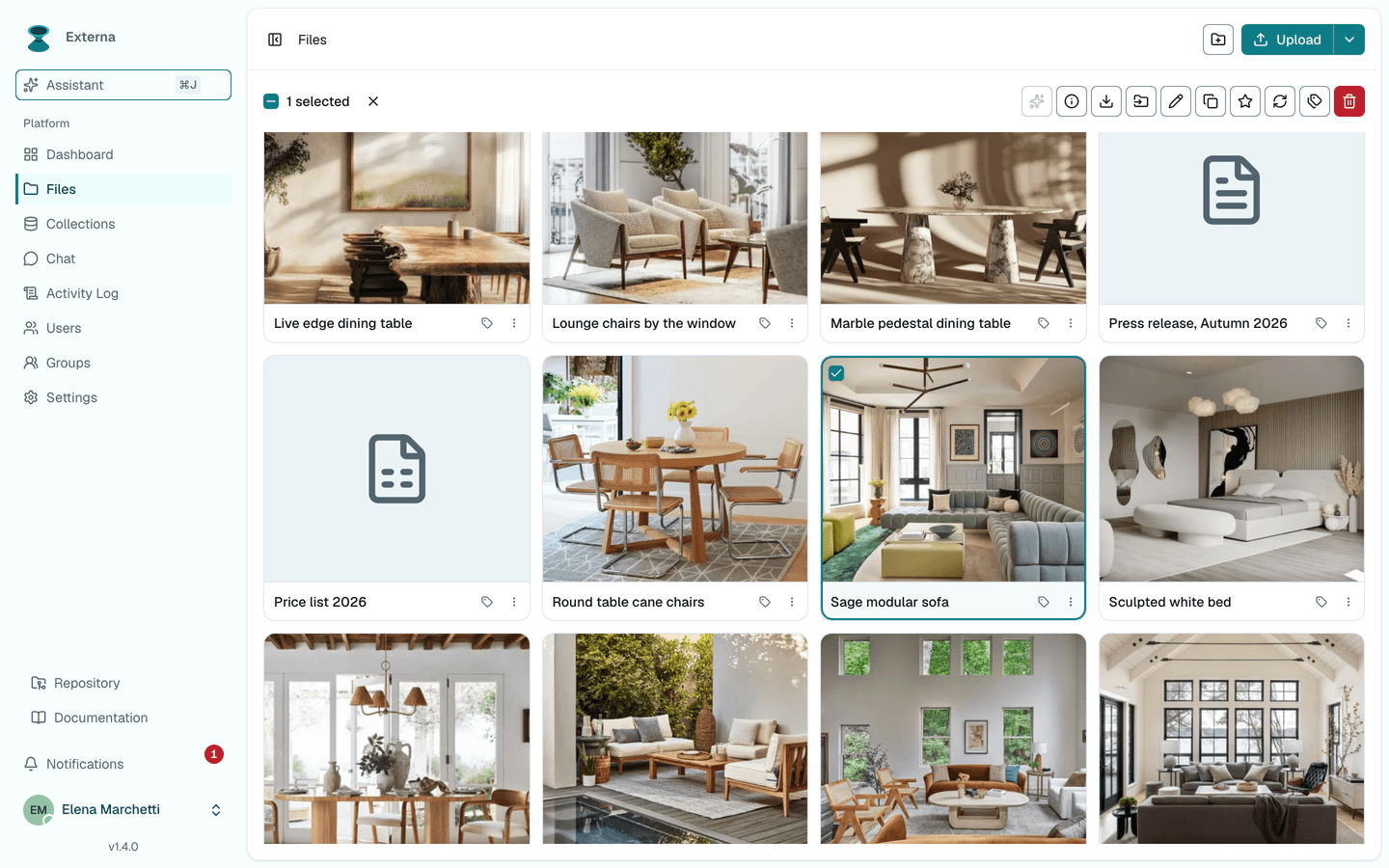
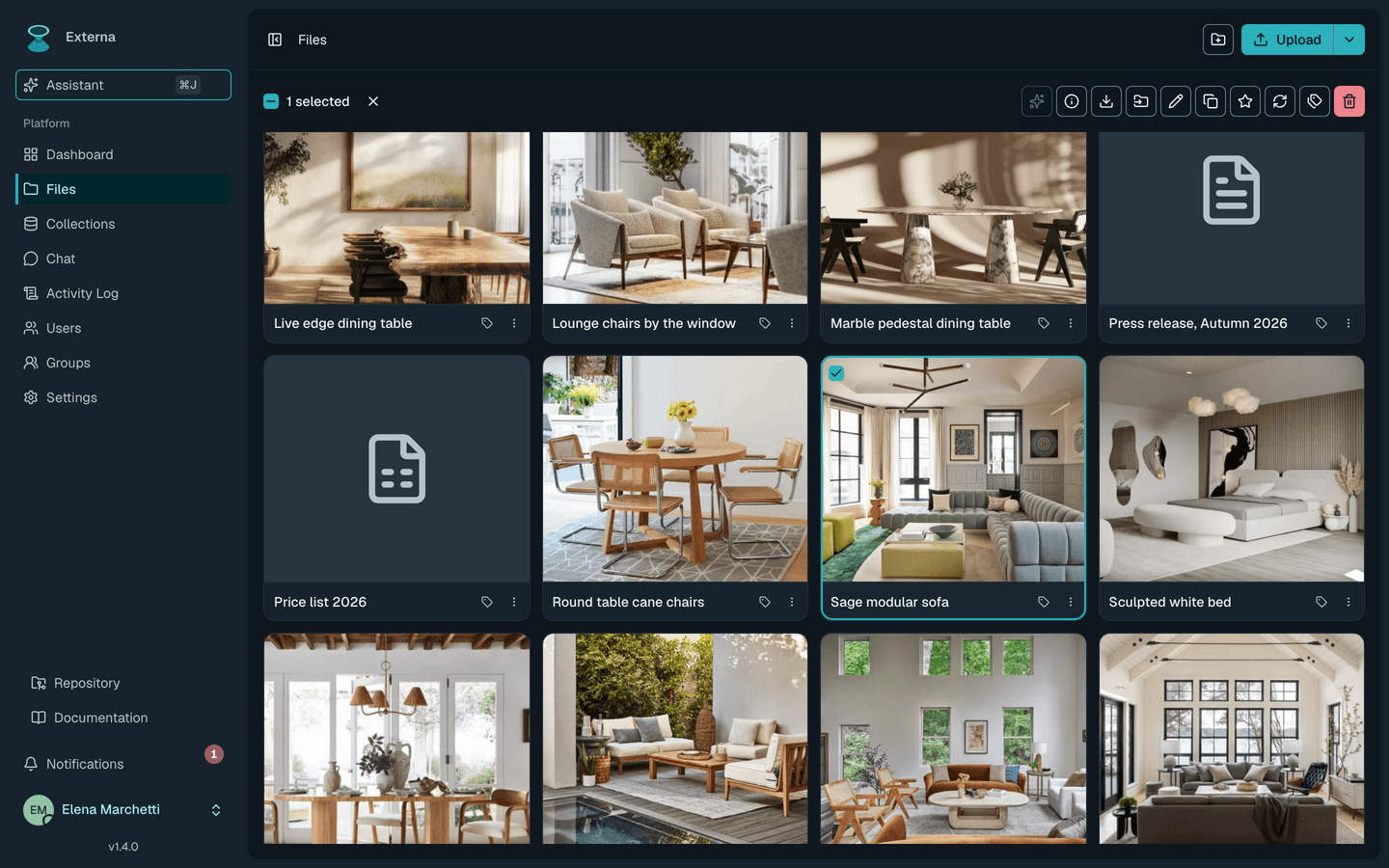
Files
Hierarchical file manager
Folders, uploads, tags, and async zip downloads on local disk, S3, Google Cloud Storage, or Azure Blob: a real tree, not a flat dump.
Keyboard
Built for power users
Keyboard-first admin on React and Inertia, with accessibility work toward WCAG 2.2 AA and axe checks in CI. The assistant is one click away.
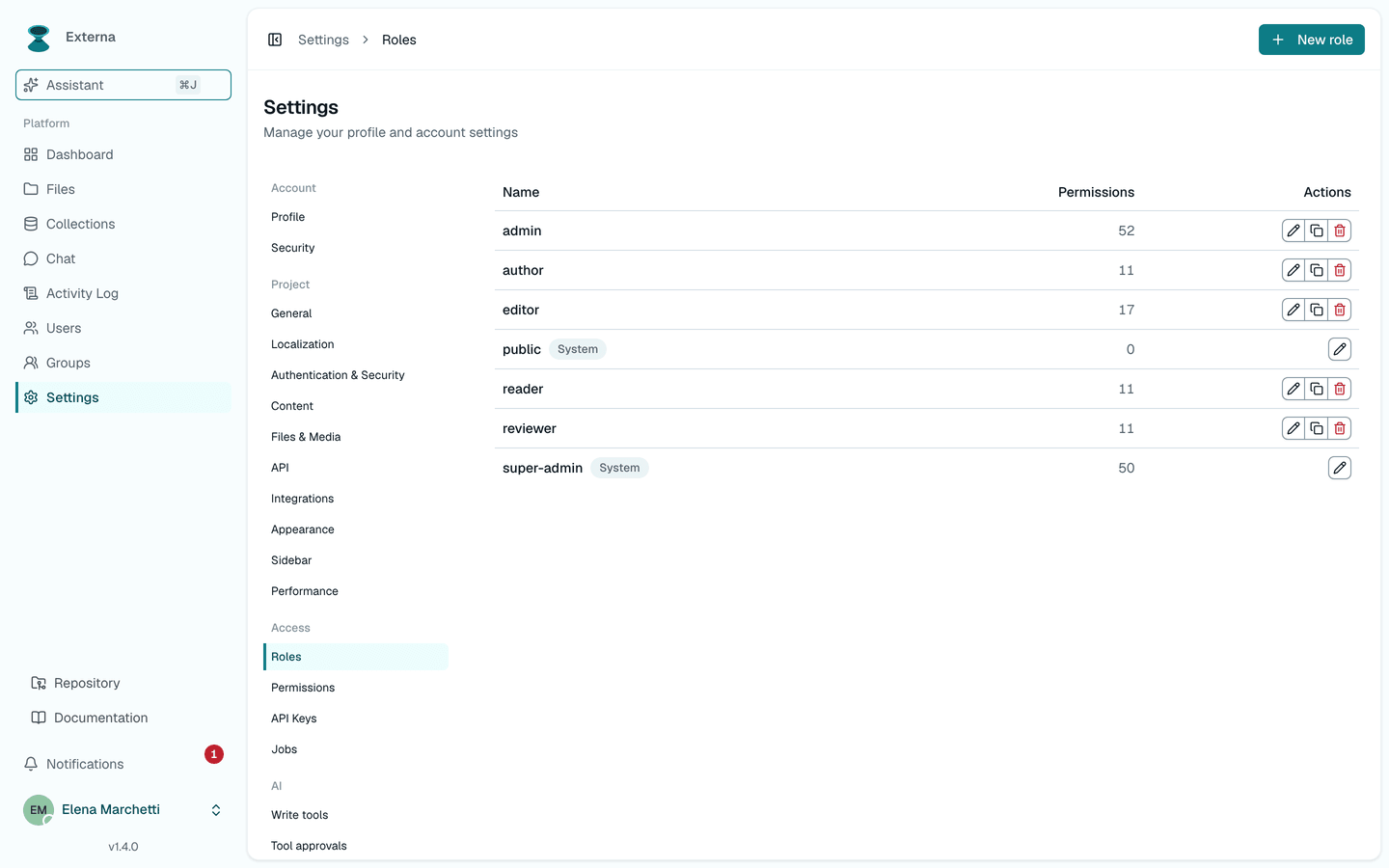
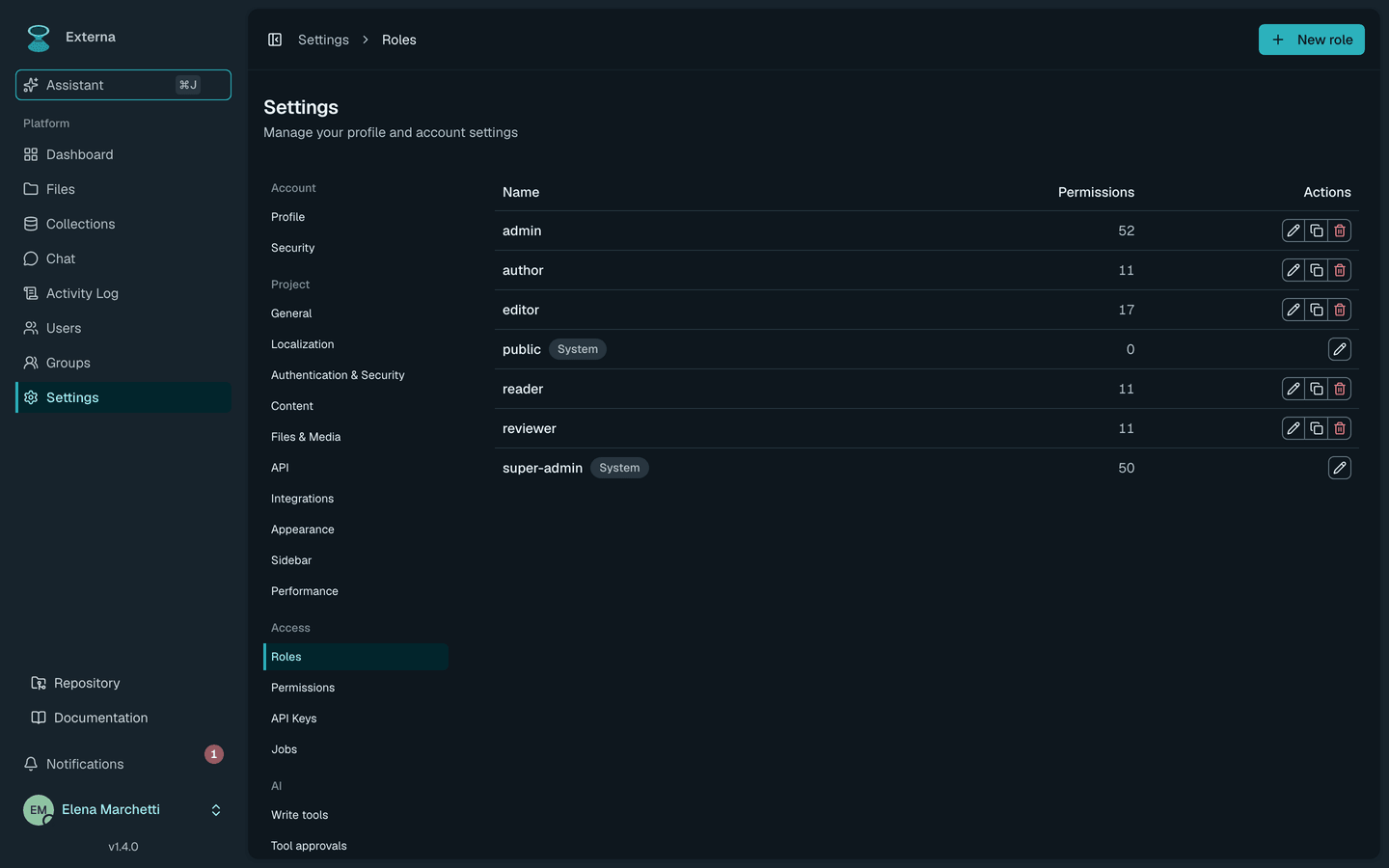
Access
Roles, groups, permissions
Spatie RBAC plus user groups: effective permissions gate the admin UI and every AI tool the same way.
Anywhere
Self-host on your stack
SQLite for local, MySQL or Postgres in production. Optional Redis + Horizon + Reverb + Pulse when you need the full ops surface.
AI assistant
Ship content faster with permission-aware AI.
In-app assistant on laravel/ai, plus an optional MCP server: tools gated by effective permissions, write tools behind human approval, with cloud or local providers.
- Permission-aware tools
- Collections, files, imports, and activity tools only run when the user is allowed.
- Imports & sync
- Chat attachments and import jobs stay inside the same operator workflow.
- Local + cloud
- Point LOCAL_AI_* at an OpenAI-compatible gateway, or use a cloud provider.
- Same RBAC as admin
- Spatie effective permissions gate the UI, every assistant tool, and the optional MCP server the same way.
Headless
Ship APIs on the same source of truth.
$ curl -H "Authorization: Bearer $KEY" \
https://cms.example.com/api/v1/collections/posts/items
{ "data": [ { "id": 42, "title": "Hello", "status": "published" } ],
"meta": { "total": 1 } }Public CMS API
REST for websites and apps
Headless /api/v1 with a per-collection create/read/update/delete matrix for anonymous public access and Bearer API keys.
Integrations
Webhooks & GraphQL
HMAC-signed outbound events plus GraphQL: connect frontends and automation without inventing another auth story.
Teams
Operators and builders together
Content teams manage collections; platform teams pick a theme preset or brand color and ship locales, modules, and webhooks from project settings.
Local AI
Run models on your machine
Point LOCAL_AI_* at an OpenAI-compatible gateway: no cloud required for the optional assistant.
Extensible
It's your Laravel app. Build whatever you need.
Externa isn't a closed SaaS or a plugin sandbox: create-project gives you the full Laravel source in your own repository. Need background jobs, custom admin pages, new field types, or extra API endpoints? Write them as normal Laravel and React code, right next to everything Externa ships.
- Queued jobs, listeners, and scheduled commands for your own workflows
- Custom routes, controllers, and Inertia pages for sections Externa doesn't ship
- New permissions, field types, and AI assistant tools, following the Extending guide
- Outbound webhooks and the Public API when you'd rather not touch PHP at all
Before you customize
Updates arrive as Git release tags you merge into your project. New code in your own files usually merges cleanly; edits to files Externa ships (core classes, enums, components) can conflict and need manual merging, and heavy changes may make future upgrades harder. Keep changes small and isolated, and read the upgrade guide before you start.
git mergeYour code
app/ and your own files
- Jobs
- Listeners
- Custom pages
- Field types
- Webhooks
Externa core
Shipped admin, collections, Public API, AI assistant
- Admin
- Collections
- Public API
- AI assistant
- Your files merge cleanly
- New code in your own paths usually applies without conflict.
- Edited core may conflict
- Changes to shipped files can need manual merging on upgrade.
Open source
Clone it. Seed it. Own the deployment.
Externa ships as externa-core: Laravel, Inertia + React 19, Spatie permission & activitylog, Vite, and Tailwind. No SaaS lock-in: you control the database, the queue worker, and the AI gateway.
Docs are AI-ready: published as llms.txt and indexed on Context7, so Cursor, Claude Code, Copilot, and similar tools can read them directly. Using Externa with AI coding tools
composer create-project qiick/externa-core my-externa- 1
Install with Laravel Herd: composer setup, seed, storage:link, then composer run dev.
- 2
Sign in as super admin and explore collections, files, users, and settings.
- 3
Keep a queue worker running for zip, duplicate, and import jobs. Optional: point LOCAL_AI_* at an OpenAI-compatible gateway.
Why the name Externa?
externa
From Latin externa (the neuter plural of externus, used by Cicero and Livy in contrast to interna): everything that faces the outside world. Born from a real-world client need, Externa projects your structured content outward from the backoffice to websites, apps, APIs, and AI agents—reflected in its outward-facing bow-tie mark.